From a mascot
to a finished film.
Kino is one studio for everything a coin posts: stills, clips, a mascot that can dance, and the finished cut. It works the same way every time. The film is the thirty-second version; the six steps under it are the same thing in words.
- 01Brand kit
Add your mascot.
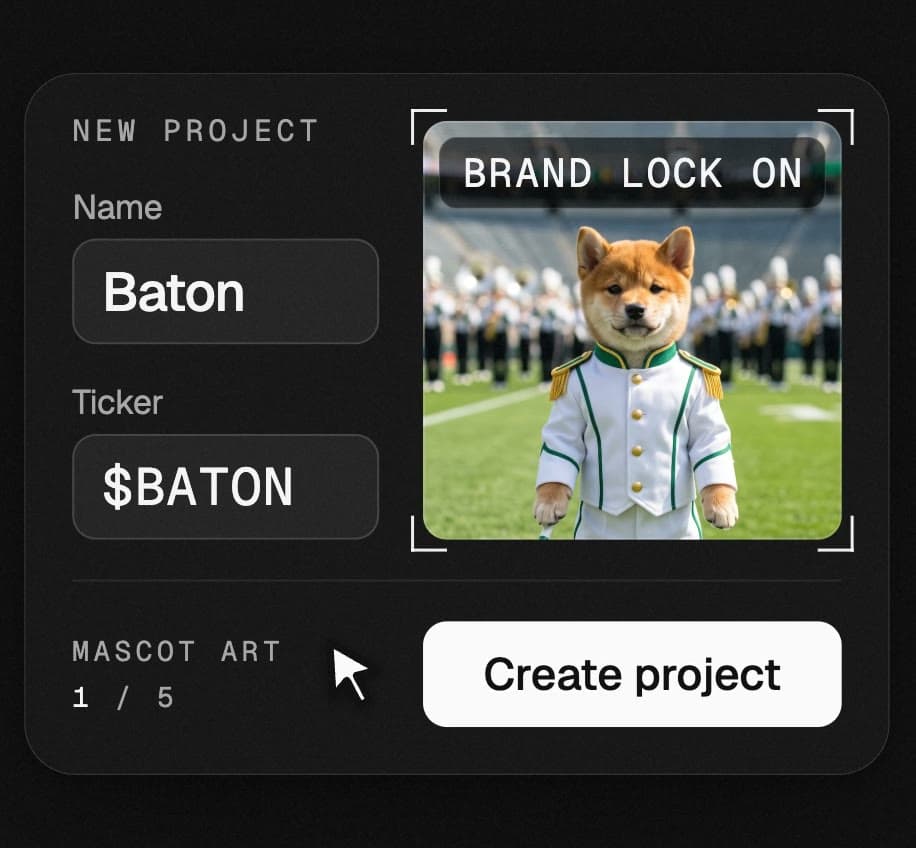
A project is one coin. Give it a name, a ticker if it has one, and up to five pictures of the mascot, and press Create project. That is the brand kit, and it does one job: with Brand lock on (it is on from the start, in the studio) every image and clip you make is built from that art, so the character looks the same in the hundredth post as in the first.
- Projects → New project
- Name it, add the mascot art
- Create project
- 02Image
Describe a shot.
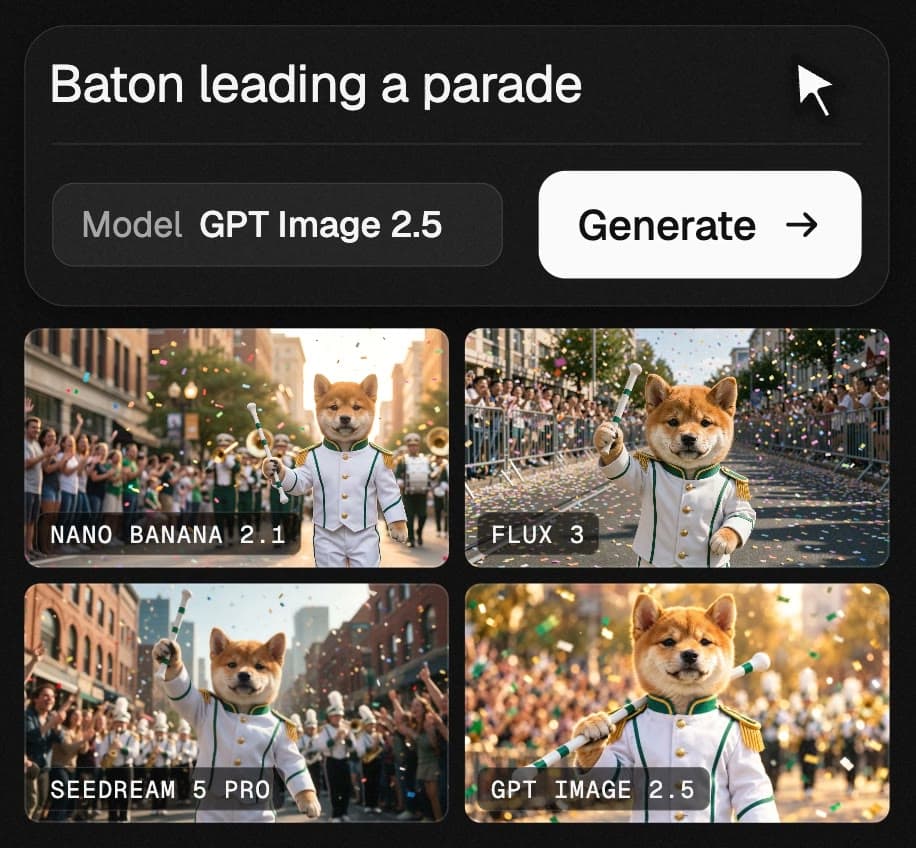
Pick Image, type what you want to see and press Generate. Thirteen image models sit behind the one prompt box, so when a result is not right you open Advanced, change the model and run the same words again. Make up to eight at a time and keep the best. Open any result to read its exact prompt and settings, remix it, or use it as the reference for the next one.
- Type the shot
- Choose a shape: square, wide or tall
- Generate, then try another model
- 03Video
Make it move.
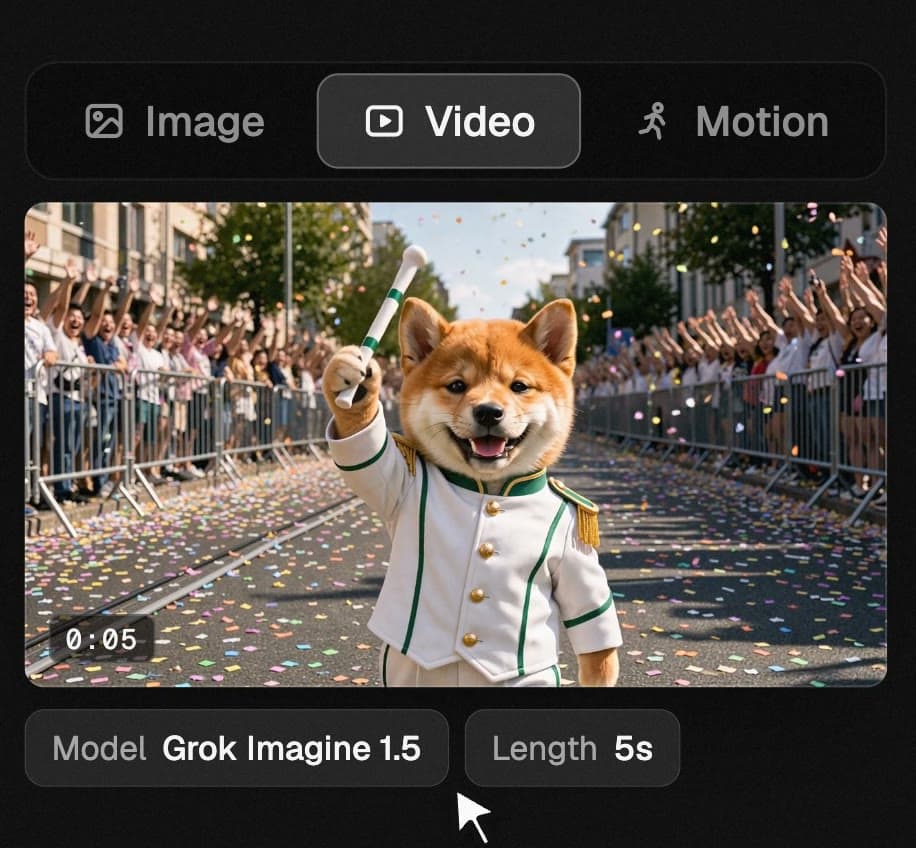
Open a still and press Make it move: it goes to the Video tab as the first frame of the clip. Go straight to Video without a still and Brand lock starts the clip from your mascot art. Say what should happen and choose a length (3 to 15 seconds on the default model). The default is quick; Veo 3.1, Kling 3.0, Seedance 2.5 and a dozen others are under Advanced when you want a finer result.
- Open a still → Make it move
- Say what happens
- Pick a length, Generate
- 04Motion
Copy any dance.
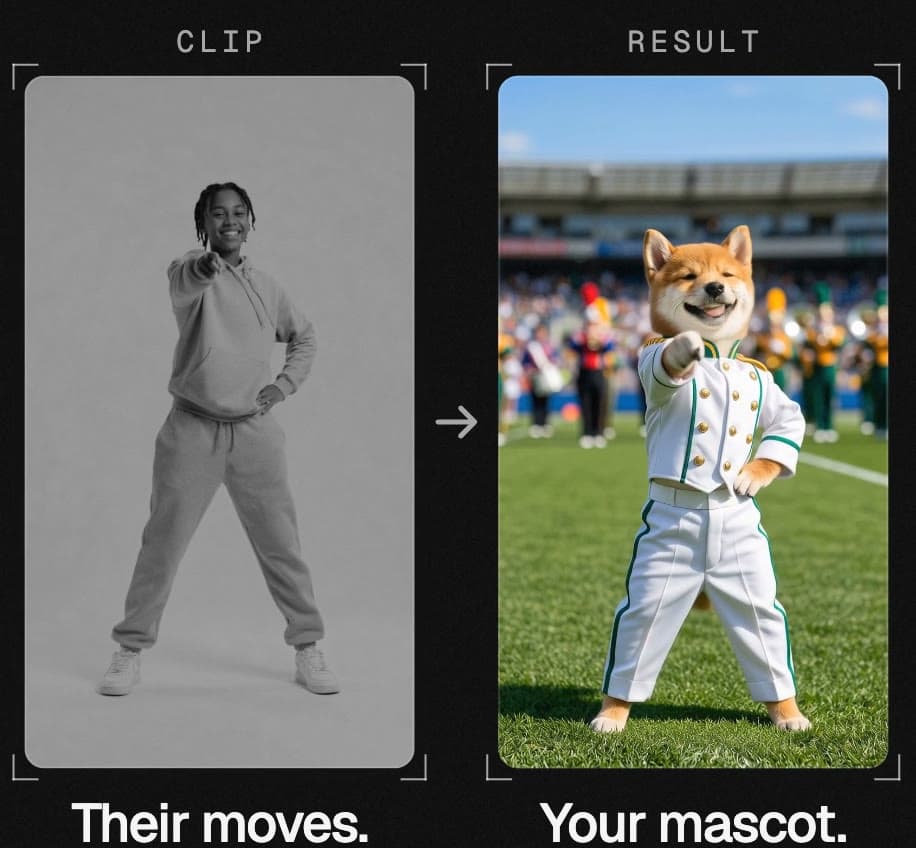
Motion takes two things: a short clip of someone moving and a picture of your character. Your mascot is already in the character slot, so you only add the clip (3 to 15 seconds; MP4, MOV or WebM) and press Animate. Kling 3.0 Motion Control draws the clip again with your character performing it, move for move. It is the slowest thing in the studio: allow five to ten minutes for a short clip.
- Motion tab
- Drop in a clip of the moves
- Animate
- 05Editor
Cut the film.
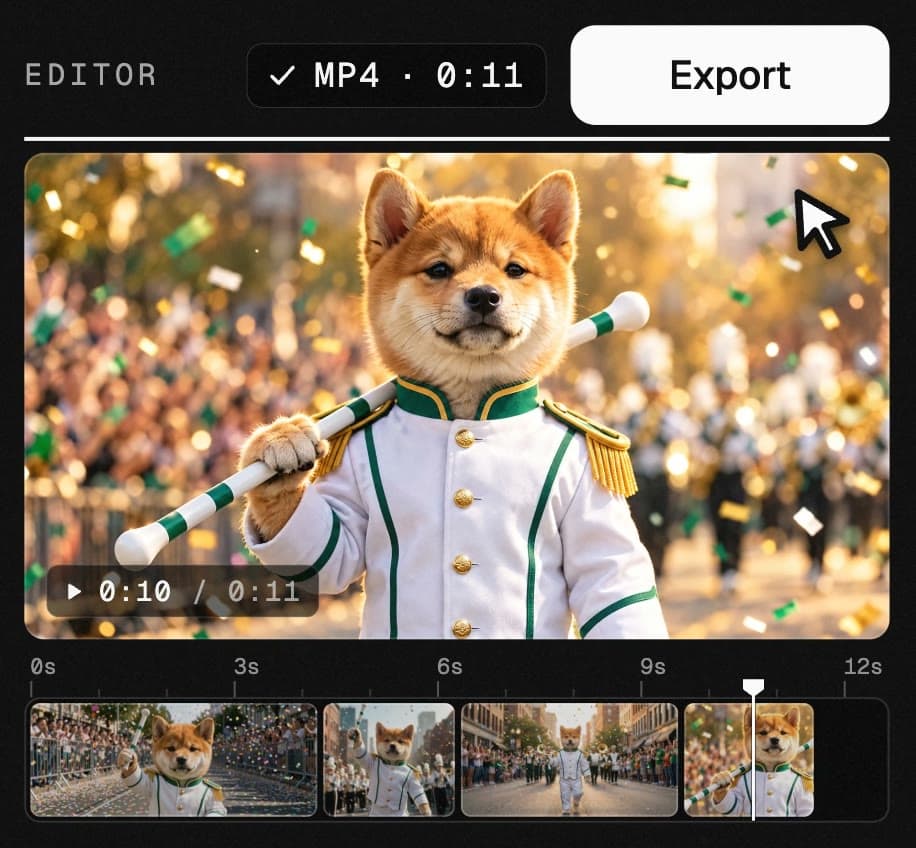
Open the editor from Tools and choose the project. Everything you made is in the media bin: put the clips on the timeline, drag their edges to trim, split at the playhead, add a caption, mute what should be silent. Export renders an MP4 inside your browser, so there is nothing to install.
- Tools → Built-in video editor
- Arrange, trim and split
- Export the MP4
- 06Community
Share the pack.
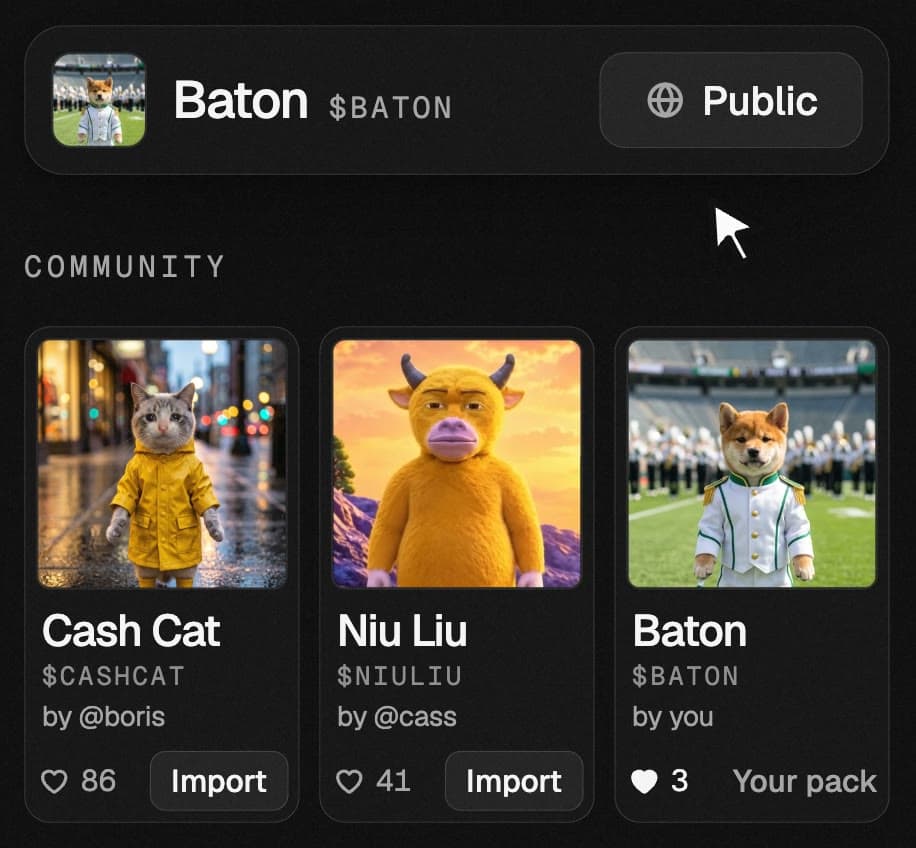
Press Share in the studio and make the project public. Its pack (the mascot, name, ticker and palette, never the images and clips you made) appears in Community, where anyone can like it and import it into their own studio. That is how a whole community ends up making content for one coin, all of it on the same character.
- Share → Public
- Add a line about the coin
- Others import the pack
Nothing. $KINO fees cover it.
Every render on this page costs money: the models behind it bill by the image and by the second. On Kino that bill is paid by fees from $KINO, which is why there is no subscription, no credits and no paywall. You sign up with an email address, not a wallet, and you do not need to hold $KINO. You can even make one render before you create an account.
Now make yours.
Same studio, same six steps. Bring a character and an idea.